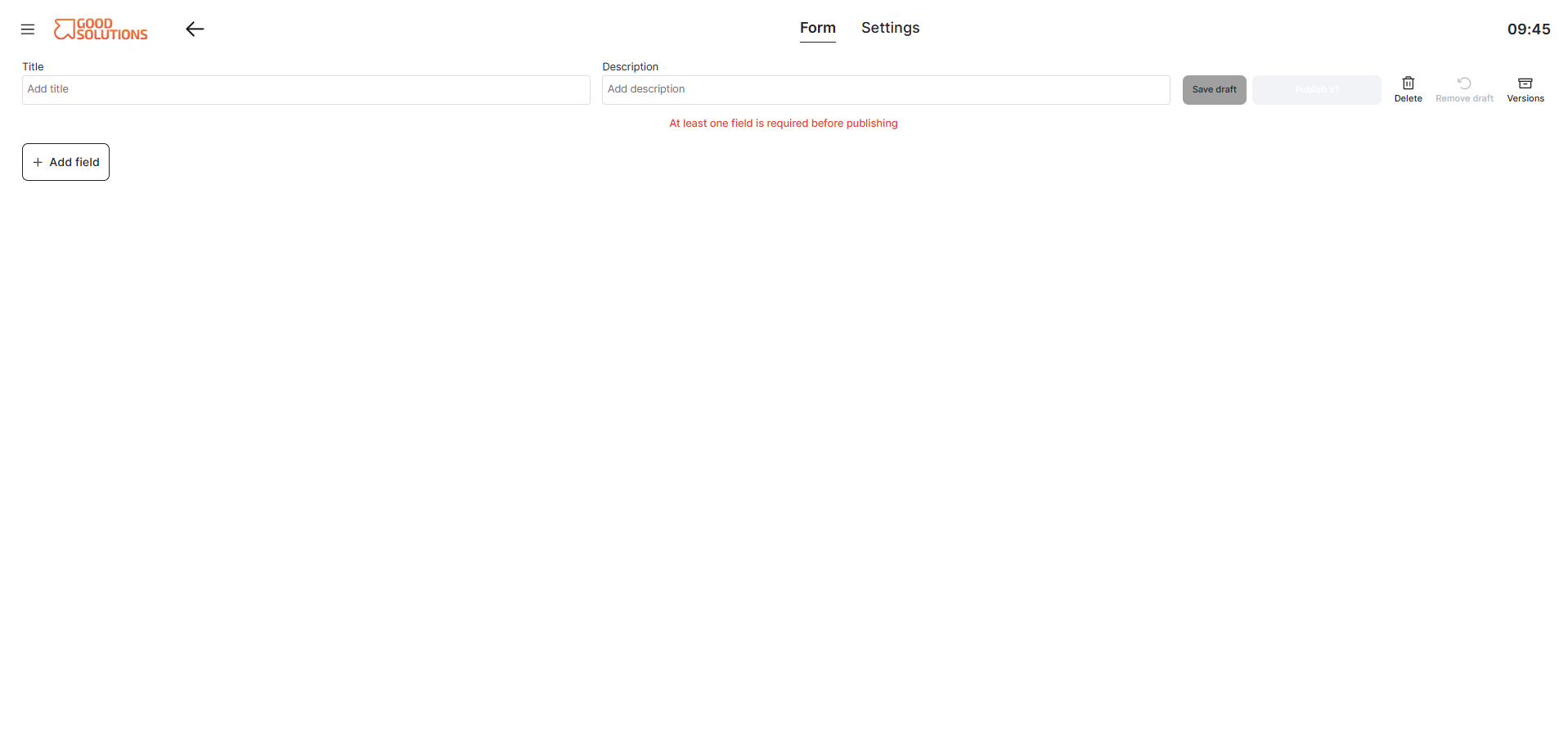
What are Forms?
Forms in Good Solutions allow you to create digital checklists, quality inspections, safety checks, and other structured procedures directly connected to your production environment.
Instead of relying on paper forms or separate systems, you can collect information directly from Operators and make the results available for follow-up and analysis.
Forms can be completed manually by Operators or automatically presented based on production events, such as starting an order, completing a production run, or coding a stop.
Step 1: Open Forms
- Log in to Good Solutions Web.
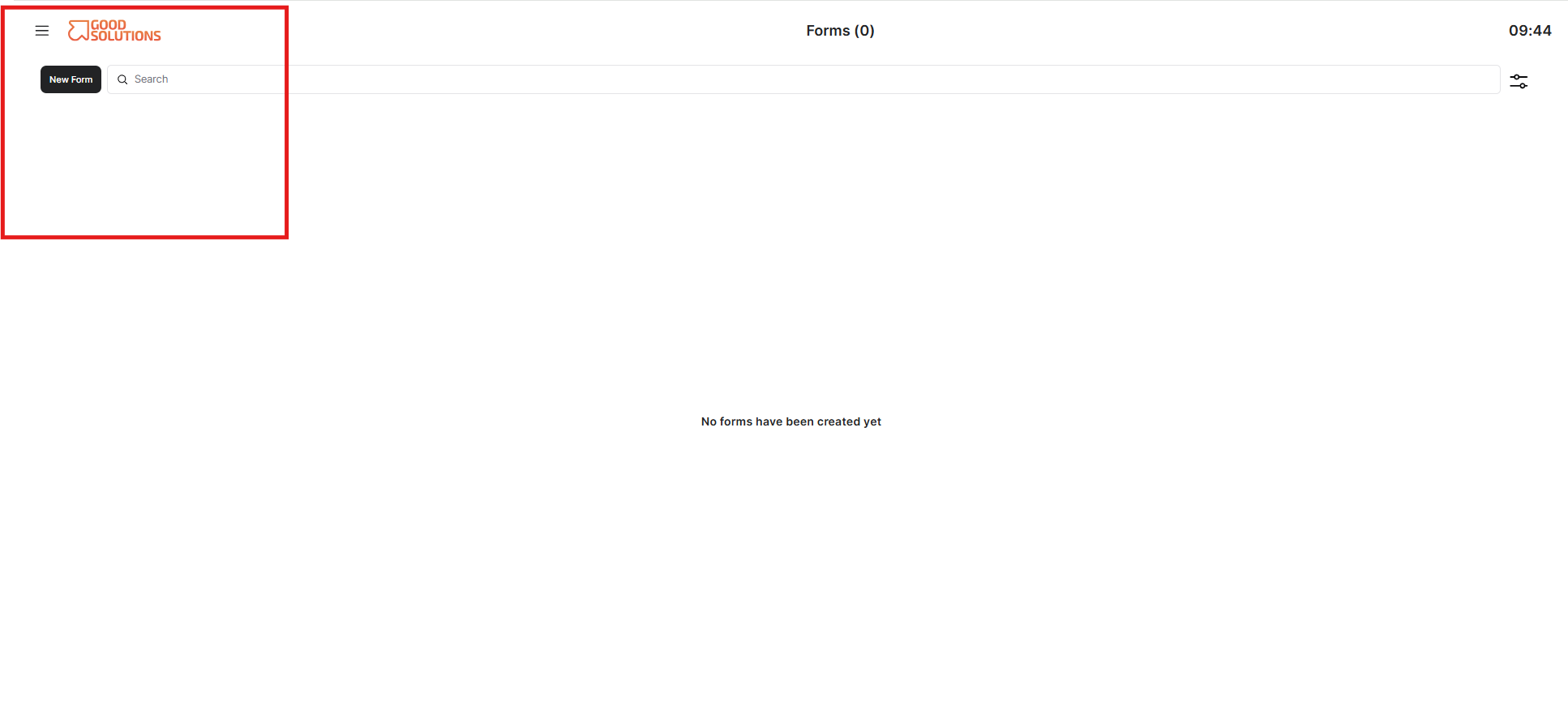
- Navigate to Forms in the main "hamburger style" menu.
- Open the Forms management view.
- Click Create Form to start building a new Form.
You will now enter the Form editor, where you can design the Form and configure how it should be used.
Step 2: Enter basic Form information
Start by giving your Form a clear name and description.
- Name: Choose a name that makes the Form easy to recognize, such as Daily Quality Inspection or Machine Startup Checklist.
- Description: Explain the purpose of the Form and when it should be used.
Use clear and descriptive names so Operators can quickly identify the correct Form.