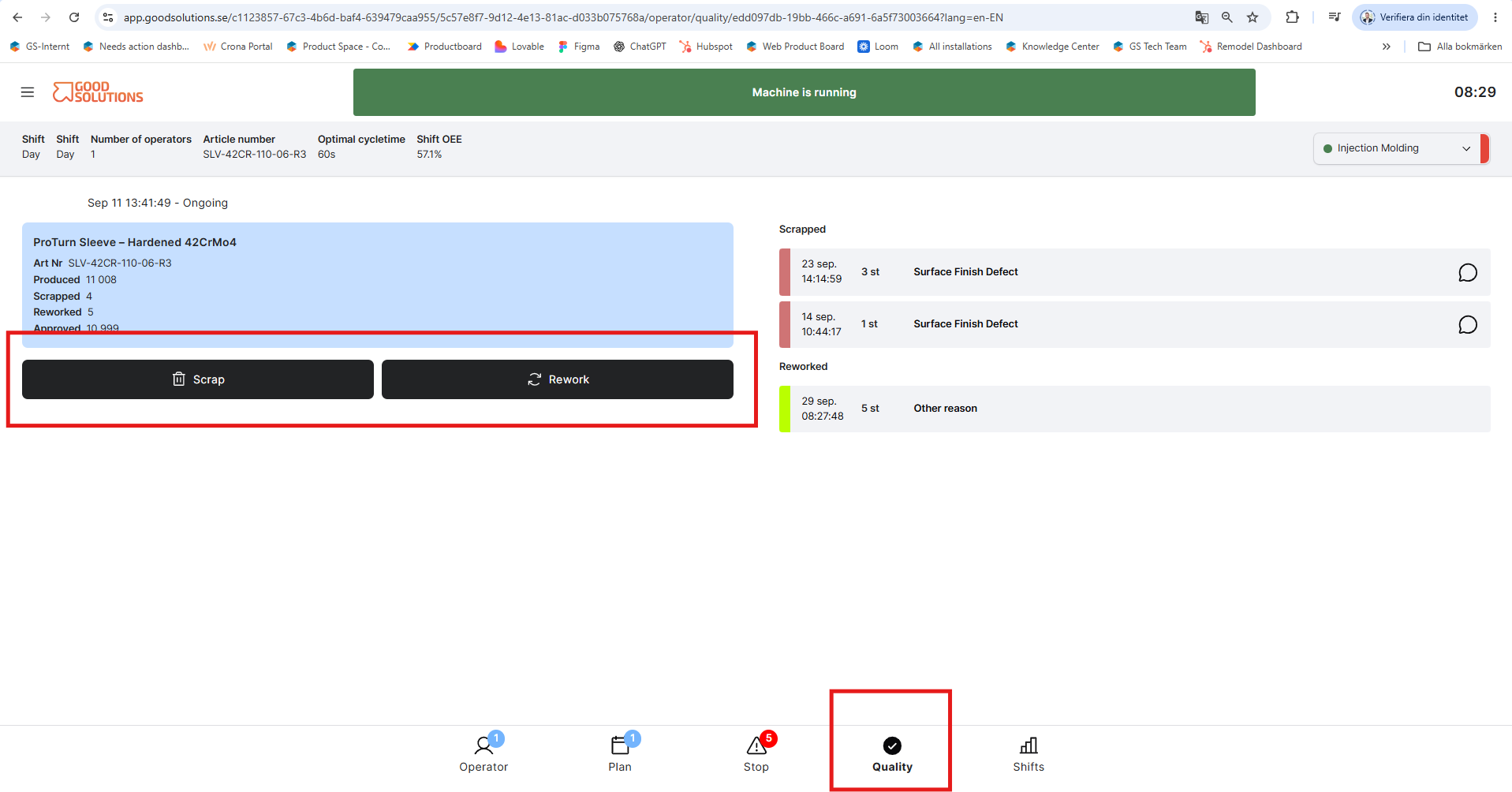
In Good Solutions, Quality describes what happens to the products you produce: how many are approved, how many are scrapped, and how many require rework.
From an Operator perspective, the Quality page is where you record production outcomes such as scrap and rework and specify why they occurred.
How to add scrap or rework
To register scrap or rework from the Quality page:
- Select the production run
Make sure you have selected the production run where the scrap or rework occurred. - Select Scrap or Rework
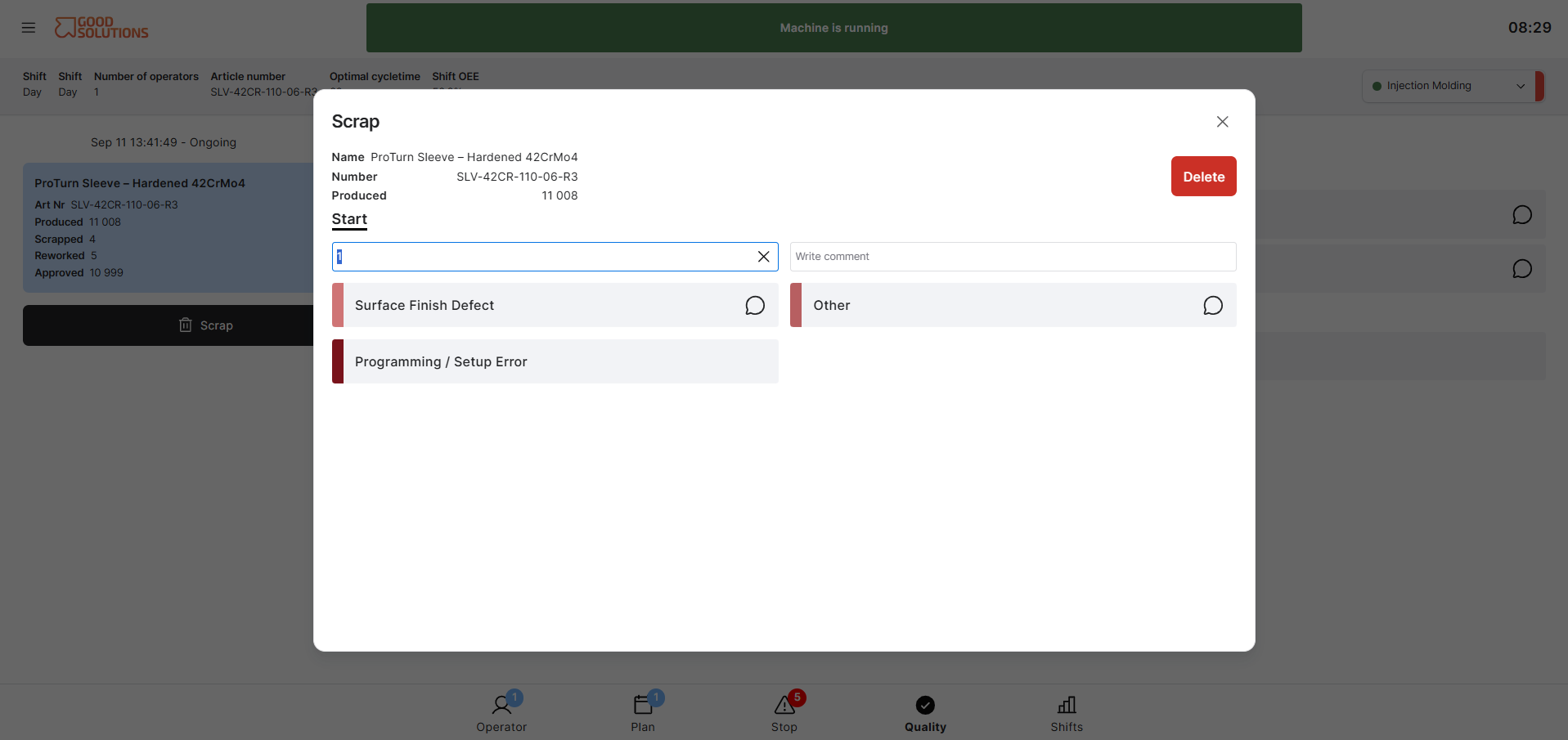
Choose whether you want to register a Scrap or Rework item. - Enter the amount and reason
Enter the number of items that were scrapped or reworked and select the appropriate Scrap Reason or Rework Reason. - Add a comment
Enter a comment with any additional information that may help explain what happened. - Confirm
Review the information and confirm the entry.
The scrap or rework is now registered against the selected production run and can be used in production reporting and analysis.