
As the SSO responsible, you need to invite users that should be able to login via SSO.
- Go to app.goodsolutions.se and login with your RS Production credentials.
- Select your installation.
- Go to “Edit users” in the left side menu.
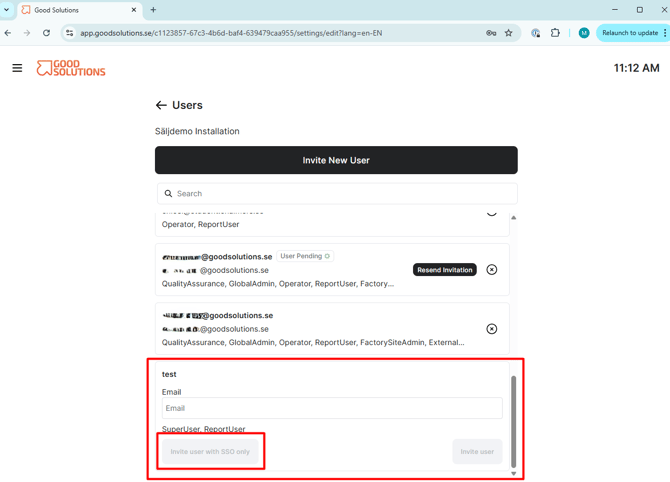
- Here you can see a list of all users that are available. (If you are missing a user, login to RS Production and create a new user. Then go back and they should be in the list).
- Send invitations:
- Now you have set up SSO for your organisation. Your colleagues can follow this instruction: Login with SSO